
Spend less time hunting for agreements and answers
Zefort brings contracts and related documents together in one secure system, helping your team easily find and use information across agreements.
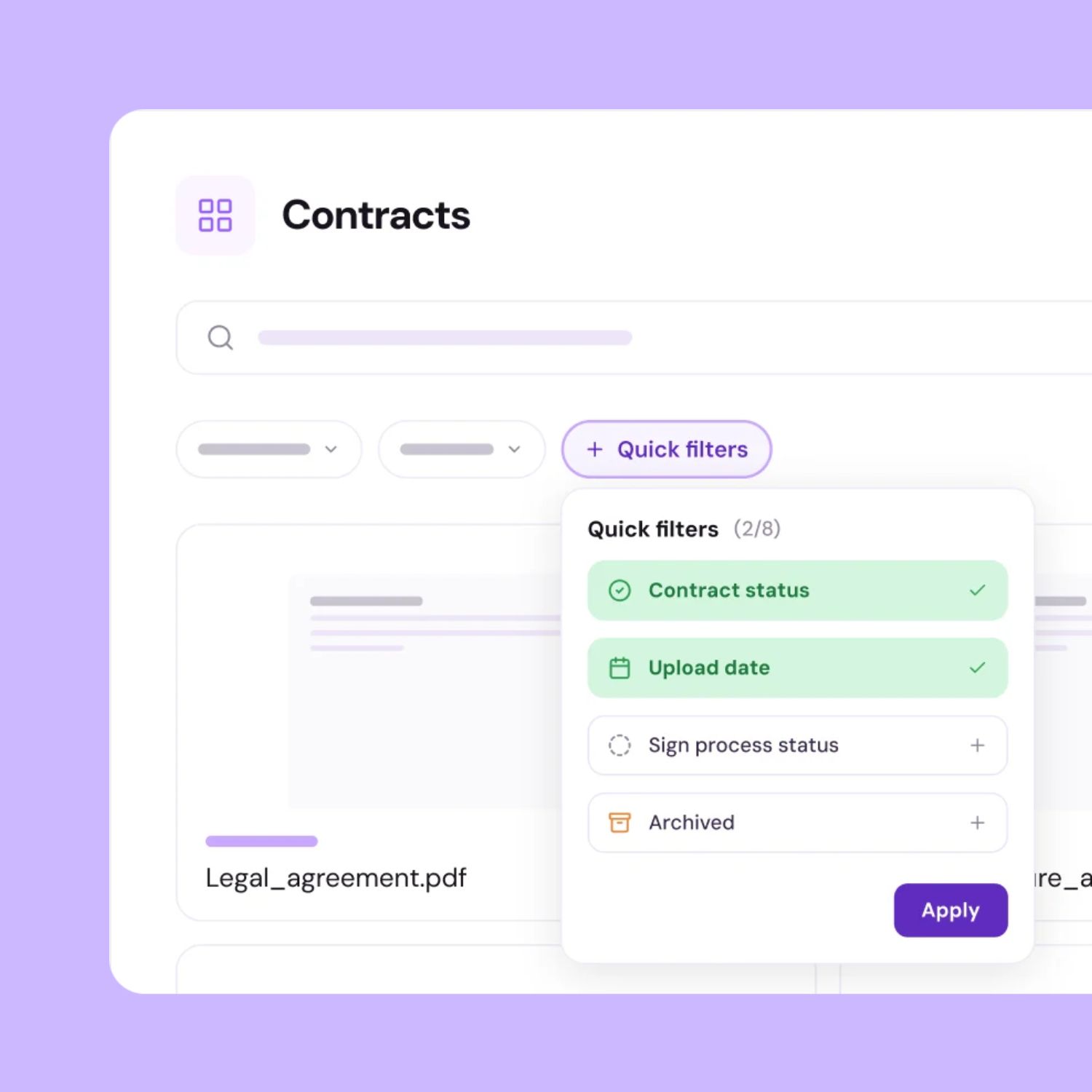
Finding the contract is only part of finding the answer
Contracts are often scattered across teams, folders, and systems. Even when they’re stored together, comparing terms can still mean reading agreements one by one. Every new question adds another round of manual work.
Contracts are scattered across teams
Different teams keep agreements in their own folders and systems. Finding a contract starts with figuring out where to look and who to ask.
You know the question, not the filename
You need to know which contracts contain a particular clause or term. Finding one document doesn’t answer a question that spans many contracts.
Contract knowledge depends on people
Knowing which terms matter often rests with a few colleagues. When they leave or change roles, others have to piece that knowledge together.
Get to the details that answer your question
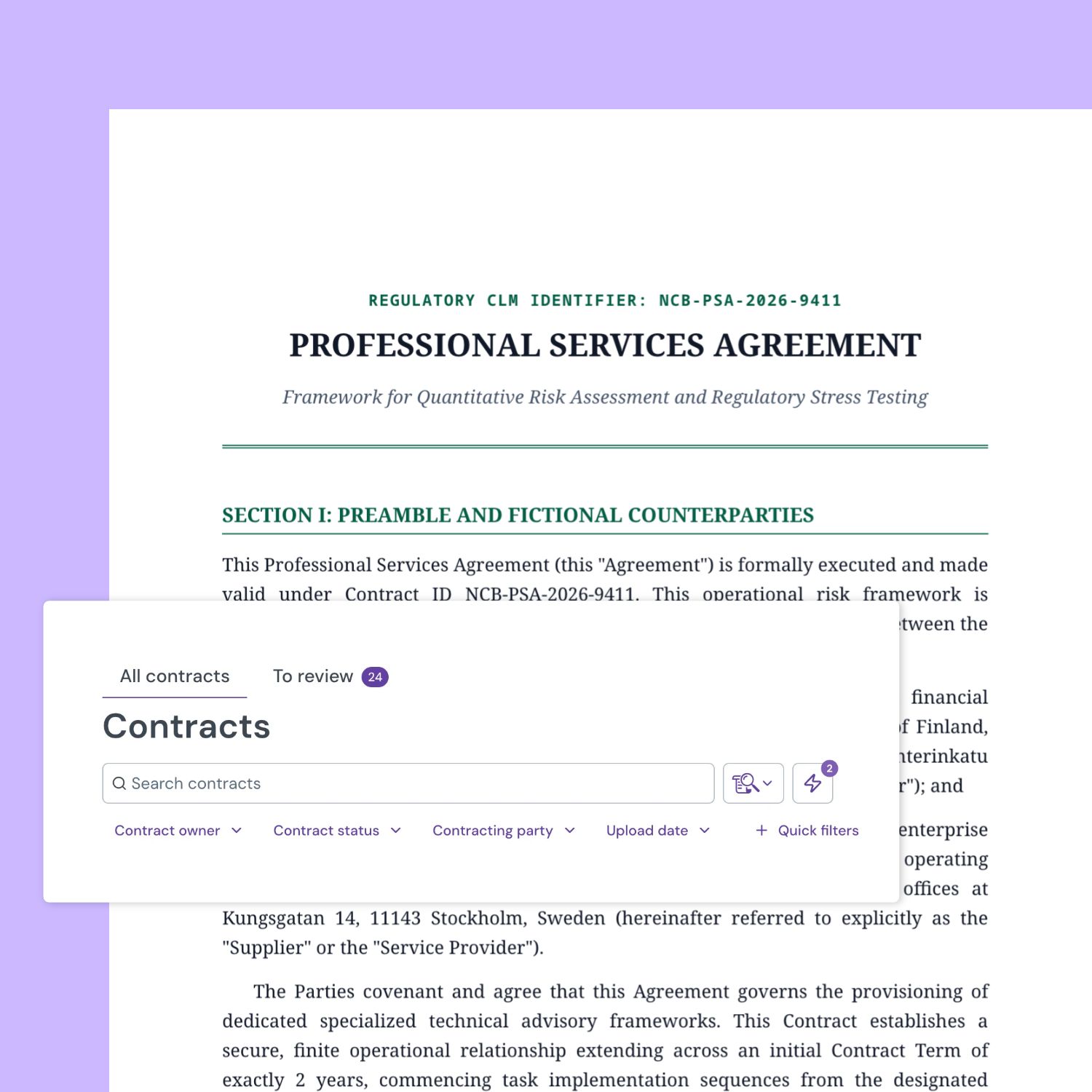
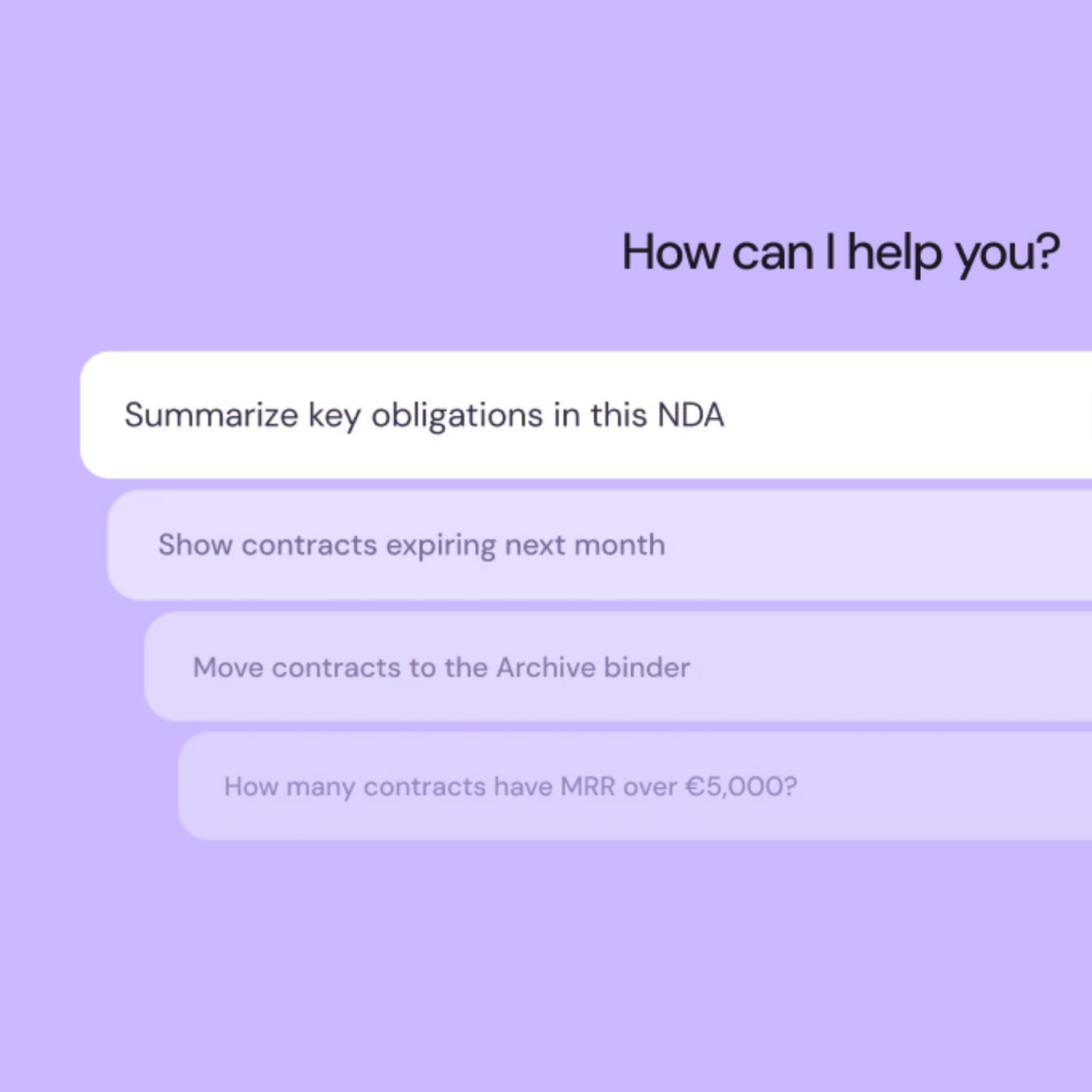
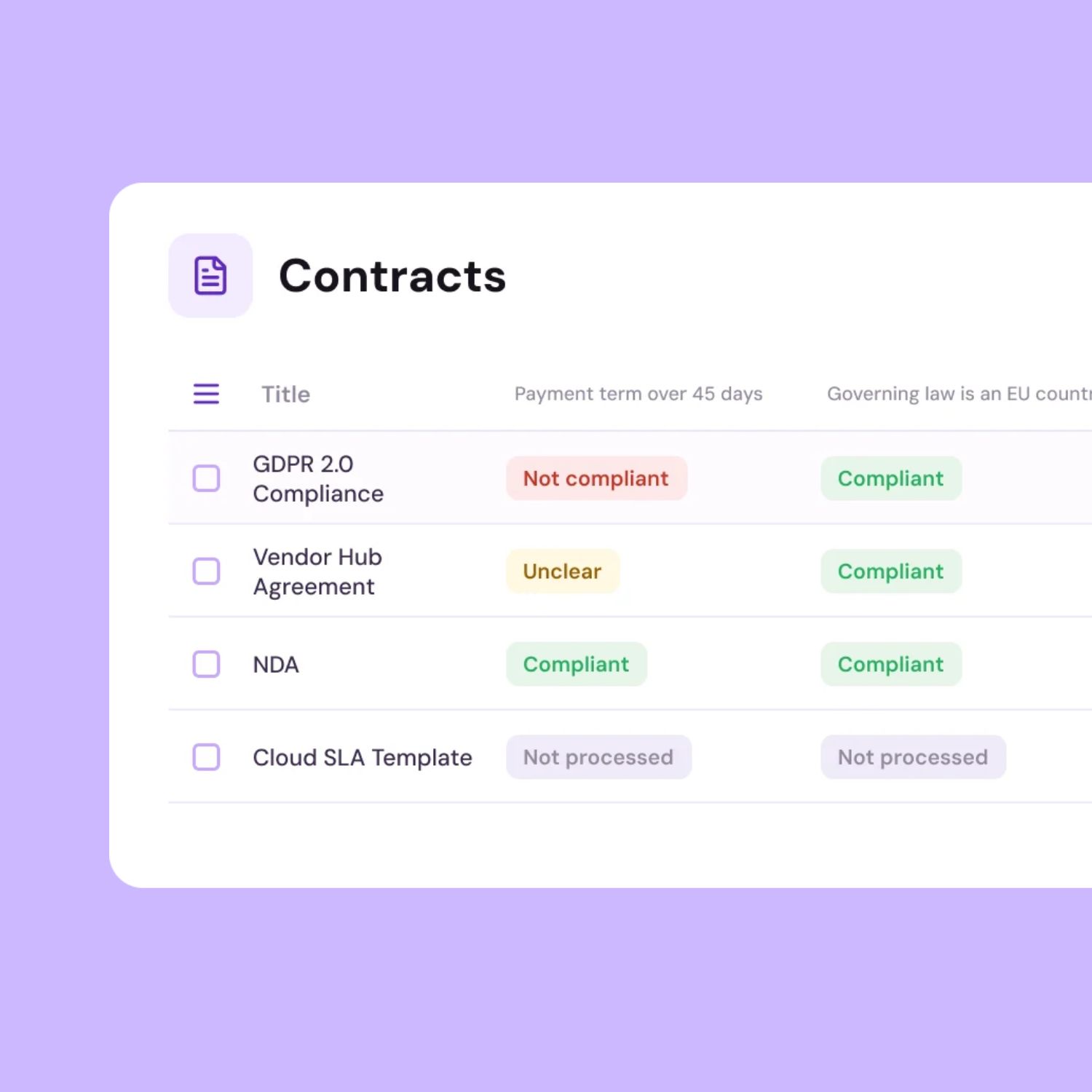
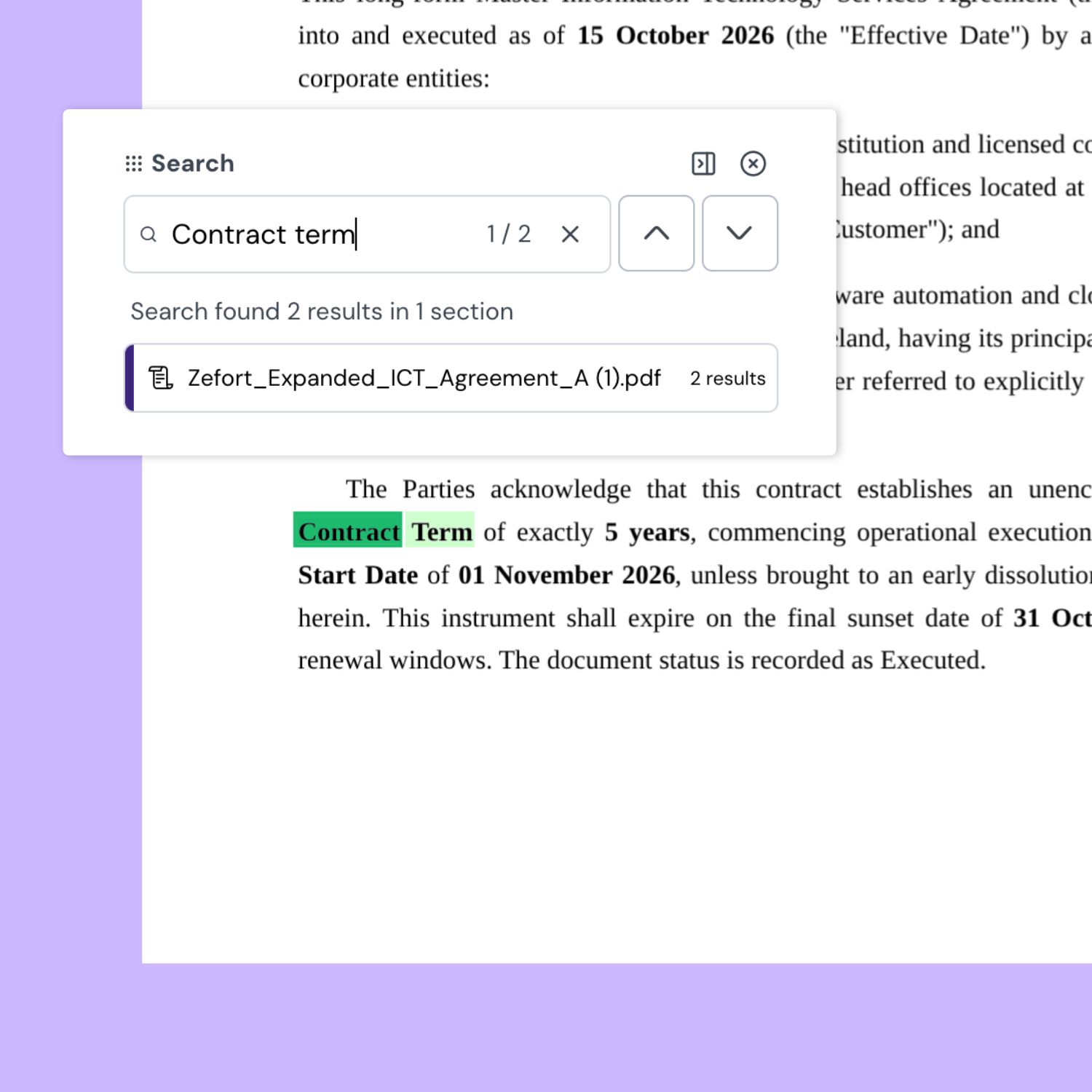


Turn contract questions into informed decisions
See how Zefort helps you investigate terms across agreements, compare them against your requirements, and verify findings in the original contract text.

Frequently asked questions
Yes. Zefort uses optical character recognition (OCR) to make text in uploaded scanned PDFs and images searchable. Clear, legible scans help produce better results; text that OCR cannot recognize may not appear in searches.
Contract search works on documents added to Zefort. You can upload files and folders, send contracts and attachments by email, or bring them in through an API integration. Files remaining only in your existing folders are outside that search scope.
Search helps you find specific wording and narrow results using contract details. You can then use those filter criteria to set up search automations that notify your team or update contract data when agreements match. Zefort Agent investigates questions across contracts and prepares findings and proposed actions for your review. Playbooks applies configurable rules to assess agreements against your organization’s policies and requirements.
No. Access to contracts is governed by permissions. Zefort Agent also respects those access rights: if a user cannot access a contract in Zefort, the agent cannot use it to answer their questions.
AI Chat answers questions about selected documents within an individual contract, including attachments, and can provide quotations from the source text. Zefort Agent works across contracts, binders, and metadata in your workspace. It can prepare recommendations and propose changes for you to review before applying them.