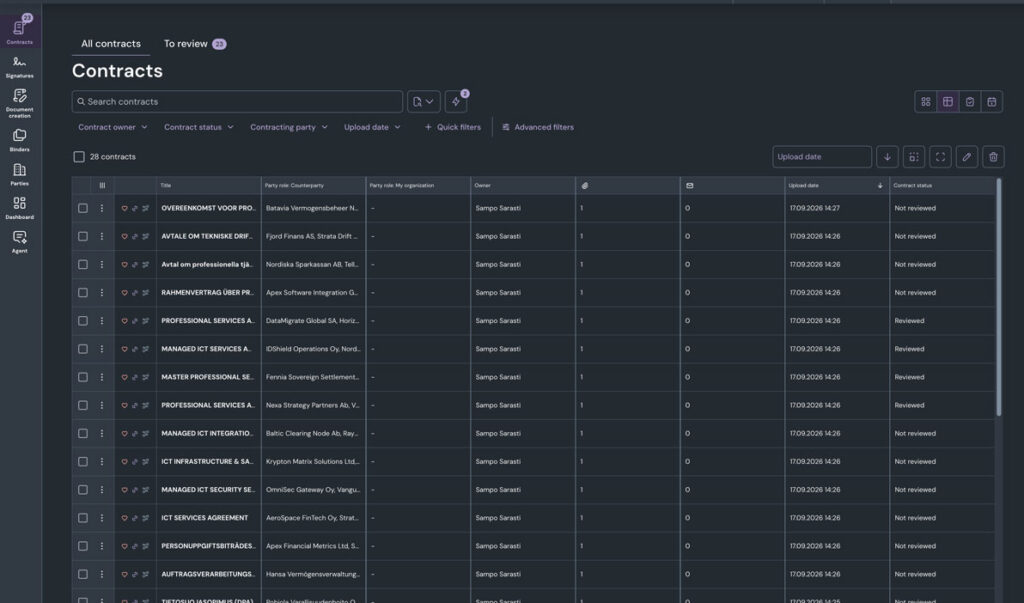
You can now switch to dark mode in Zefort. The darker interface offers a more comfortable viewing experience in low-light environments and can help reduce eye strain during longer work sessions.
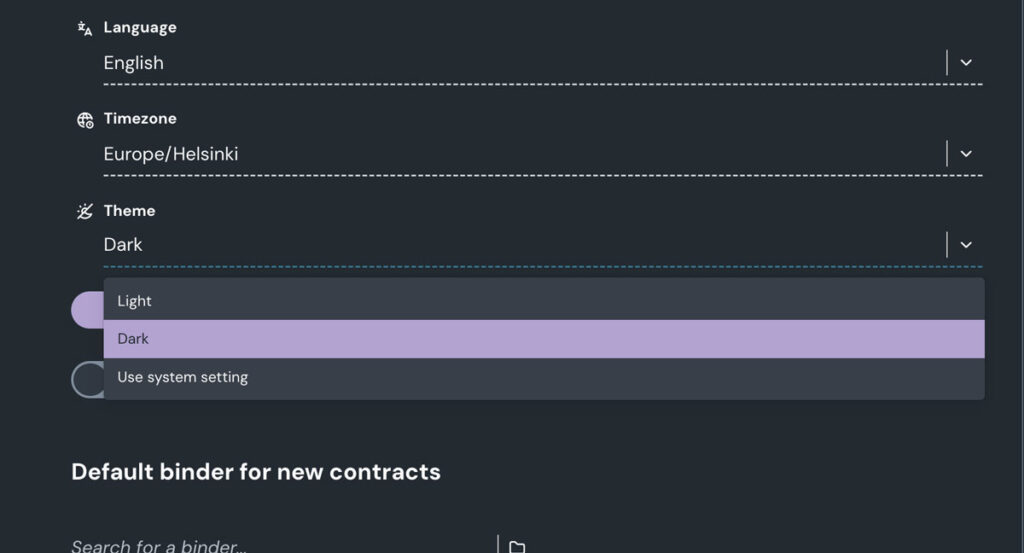
To customize your experience, go to My settings and choose your preferred appearance:
Light: Keep the familiar light interface.
Dark: Switch to the new darker interface.
Use system settings: Let Zefort automatically follow your device’s appearance settings.
Dark mode only changes the Zefort interface. Your contract documents retain their original colors and appearance, regardless of which mode you choose.
Head over to My settings and give dark mode a try.