
Select default settings for new editors in the account settings.
Default settings for new users
Open tab “Organization” and scroll to view options for users on the right side: here you can choose the default permissions for new users that are created.
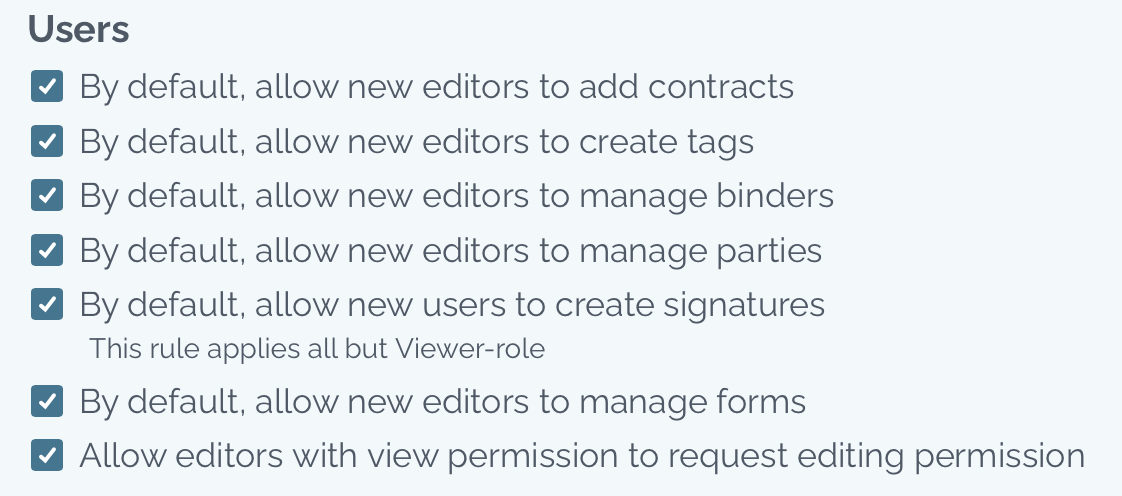
You can allow new editors to
- add contracts
- create tags
- manage binders
- manage parties
- create signatures
- manage forms
In addtition, you can allow editors with view permission to request editing permission for the document.