
What’s new 27.11.2026: Introducing bulk signature requests in Zefort Sign
Need to send the same document to dozens of people? With the new bulk sending feature in Zefort Sign, you can send up to 100 signature requests at once, saving time and effort.
Bulk sending is ideal for standard documents such as NDAs, policy updates, and other agreements that require individual signatures from multiple recipients.
Here’s how it works:
1. Prepare your recipient list: Download a spreadsheet template and add your recipients’ details.
2. Send your documents: Upload the completed spreadsheet and the document you want signed. Zefort creates a separate signature process for each row.
3. Track the progress: Monitor all signature requests and their statuses directly in Zefort.
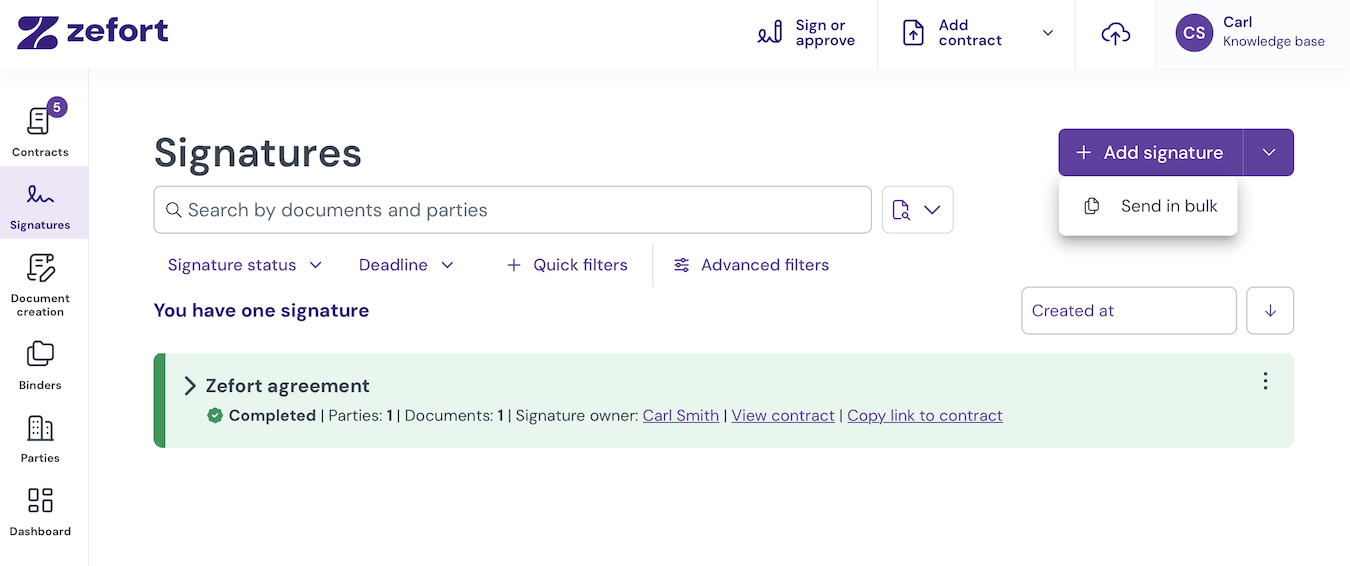
To get started, go to Signatures → Add signature → Send in bulk.
For detailed instructions, see our guide to bulk sending.