Filter contracts with more flexibility
Finding contracts in Zefort is now faster and more flexible. You can combine filters more easily, access everything in one place, and get to the right data with fewer clicks.
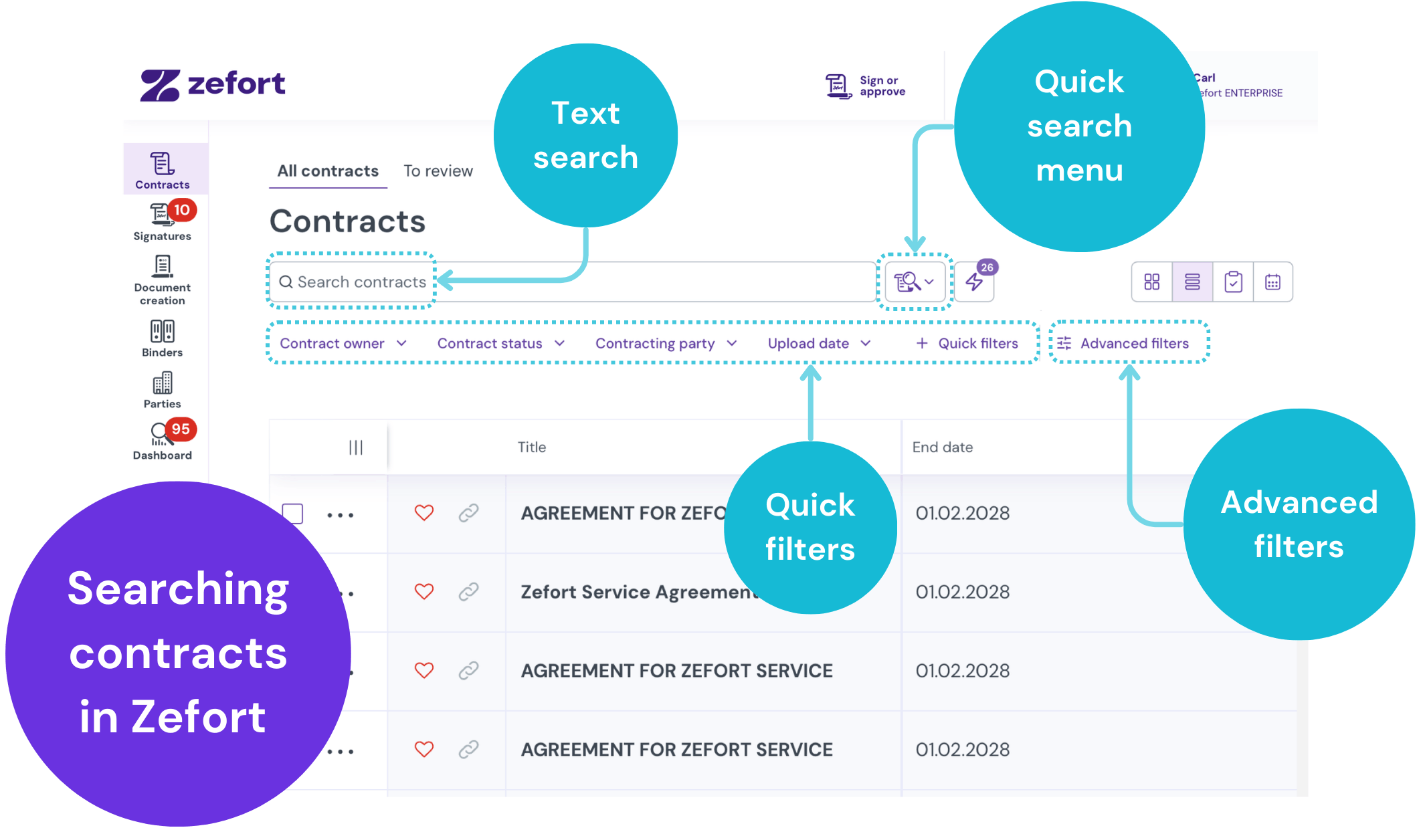
All filters in one view
You no longer need to switch between tabs to find specific attributes. All available filters are now shown in a single, continuous list.
Use the search bar to jump directly to a filter, or scroll to explore your options. This makes it easier to combine filters and refine your results without interrupting your workflow.
Pin filters you use most
Keep your most important filters within reach. You can pin up to eight filters to your main view for quick access.
This is useful for frequently used criteria like expiration dates, contract types, or entities.
Select dates more easily
Updated date filters make it easier to define timeframes.
Whether you’re looking for contracts signed in a specific period or expiring soon, you can now select dates with fewer steps.
Save searches as before
You can still save your searches and reuse them anytime.
Once you’ve set up a filter combination, save it to return to the same results instantly.
Learn more
For a full guide, see our article on searching and finding contracts.