
Templates and forms for structured, on-brand contracts
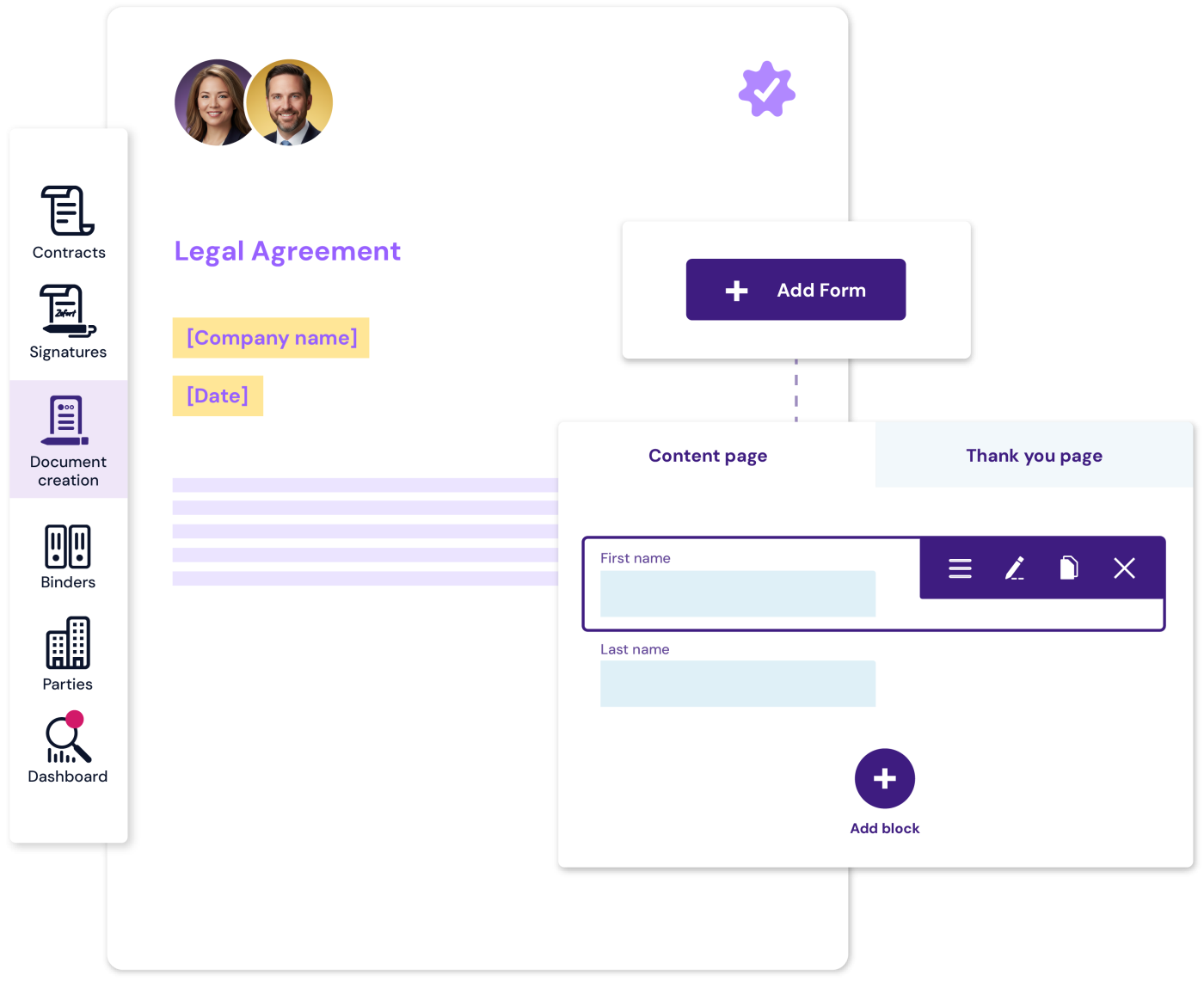
Create contracts and documents faster using dynamic templates that reflect your brand and internal rules. Use forms to collect remaining details and keep every document accurate, consistent, and compliant without involving legal in every change.
A practical way to create documents
1
Turn existing documents into approved templates
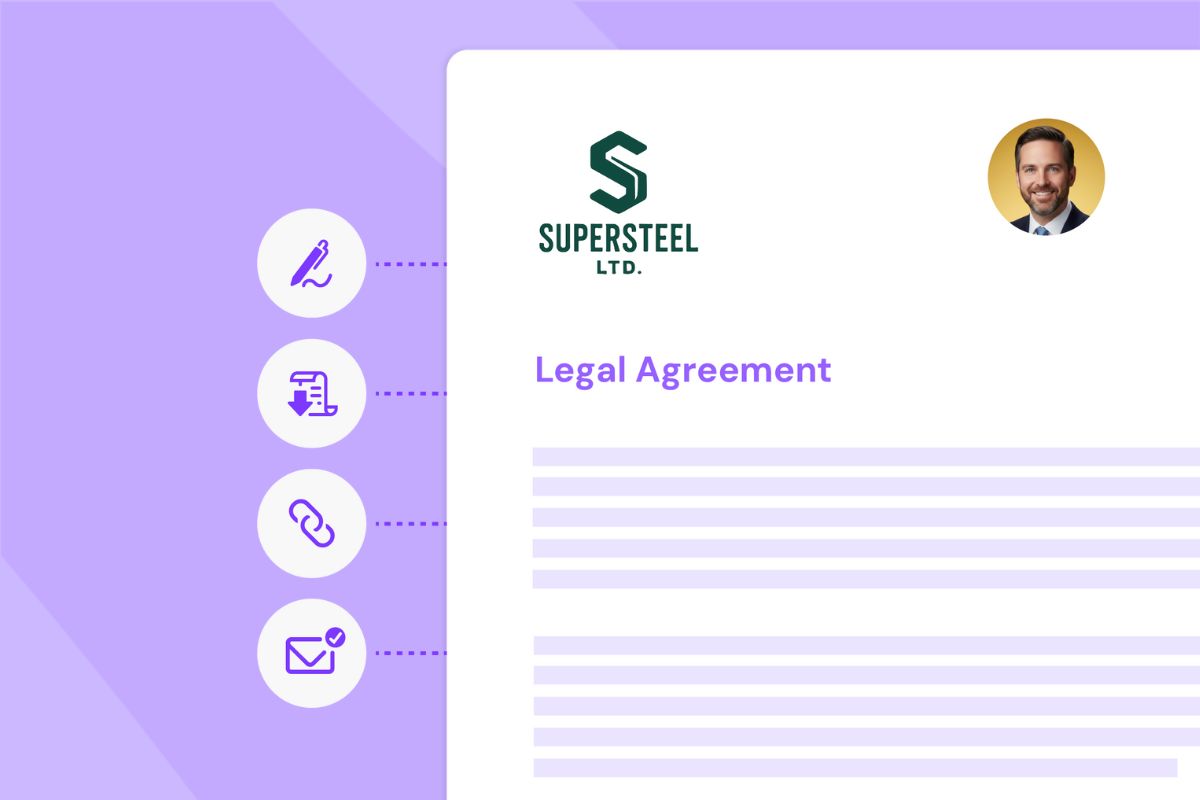
Upload Word documents, from NDAs and supplier agreements to internal forms, and use them as a starting point for future contracts. Templates preserve your wording, formatting, and visual identity, so every new document begins from an approved baseline.
2
Guide inputs with custom fields
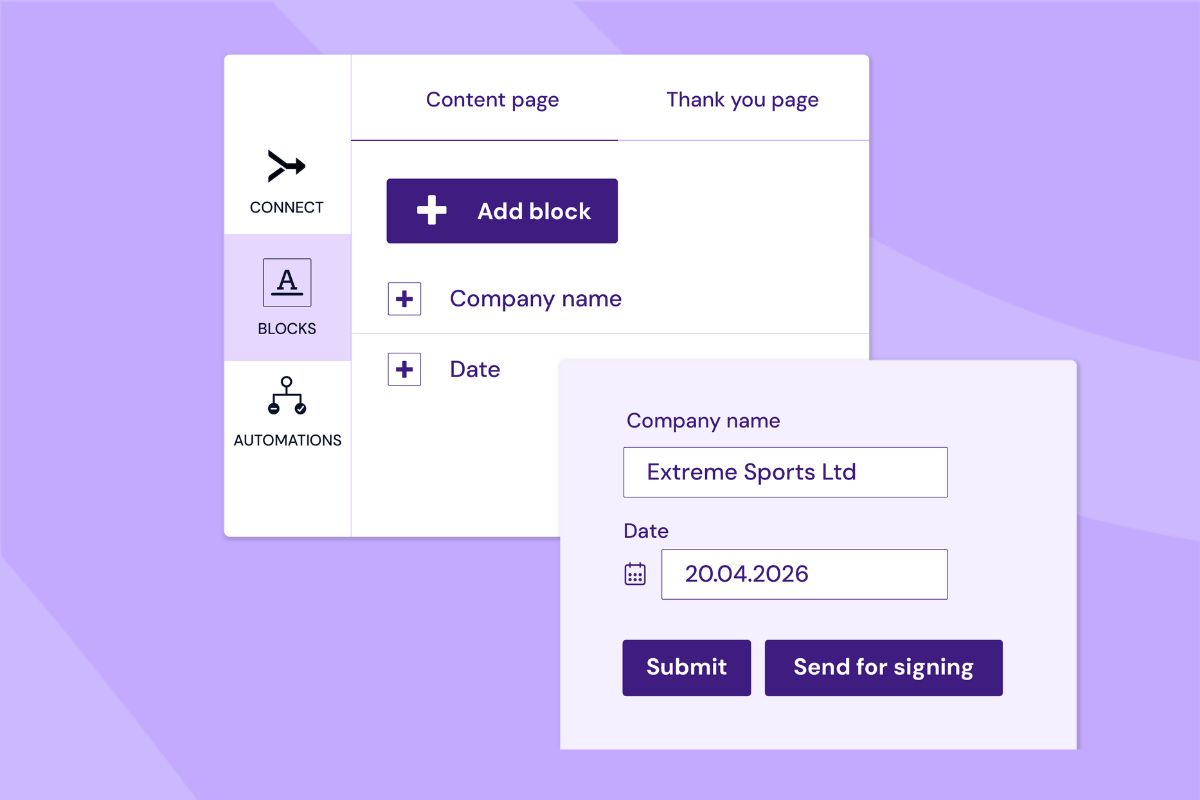
Add structured fields to templates to ensure the right information is entered every time. Built-in rules keep documents complete and aligned with internal or regulatory requirements, even when multiple teams are involved.
3
Complete your templates with Zefort Forms
Use forms to gather missing information from colleagues or external parties without back-and-forth. Inputs flow directly into the document, keeping drafts consistent and ready for review or signing.

Why templates and forms work well together
Faster drafting, less back-and-forth
Reduce drafting time by starting from approved templates. Teams create documents faster, without repeated formatting, manual cleanup, or unnecessary revisions.
Brand consistency from start to finish
Every document reflects your tone, visuals, and voice. By using templates, teams stay aligned, so documents look consistent regardless of who creates them.
Less errors with standardized documents
Templates define what belongs in the document. Forms collect the missing details in a structured way. Together, they reduce manual errors and ensure documents are complete before review or signing.
Built-in support for compliance
Custom fields and rules help ensure documents comply with internal policies and regulatory requirements. This reduces routine legal review while maintaining consistent standards.
